Gallery
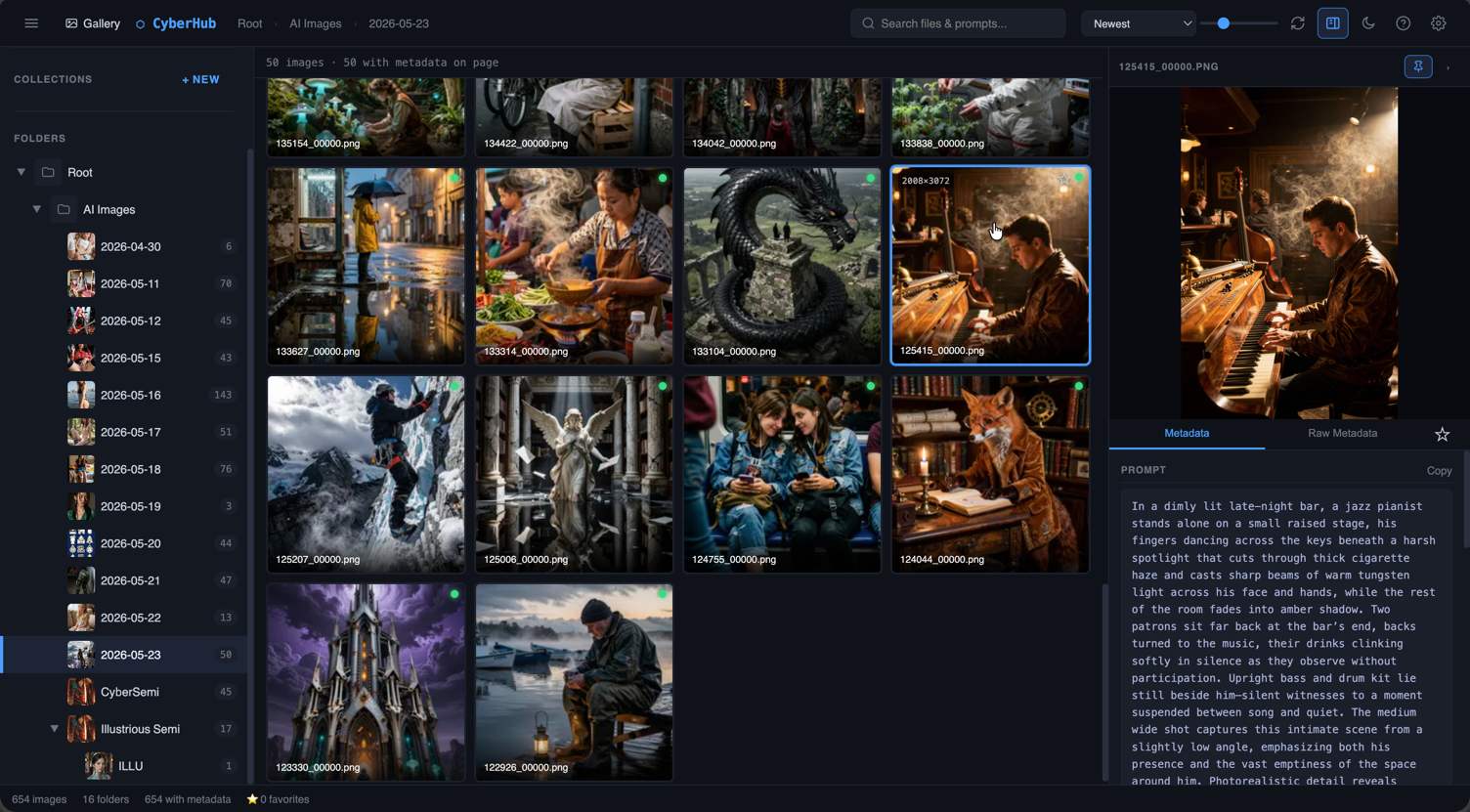
Browse images across multiple folders and search their prompts, models and metadata without moving the files.
+CYBERDELIA SOFTWARE / CH.01
Browse generations, compare settings, caption datasets, organise prompts and download references without sending your image library to the cloud.
$ cyberhub status
runtimelocalhost:8899
modules13 / ready
storageyour filesystem
telemetrydisabled
› ready for input
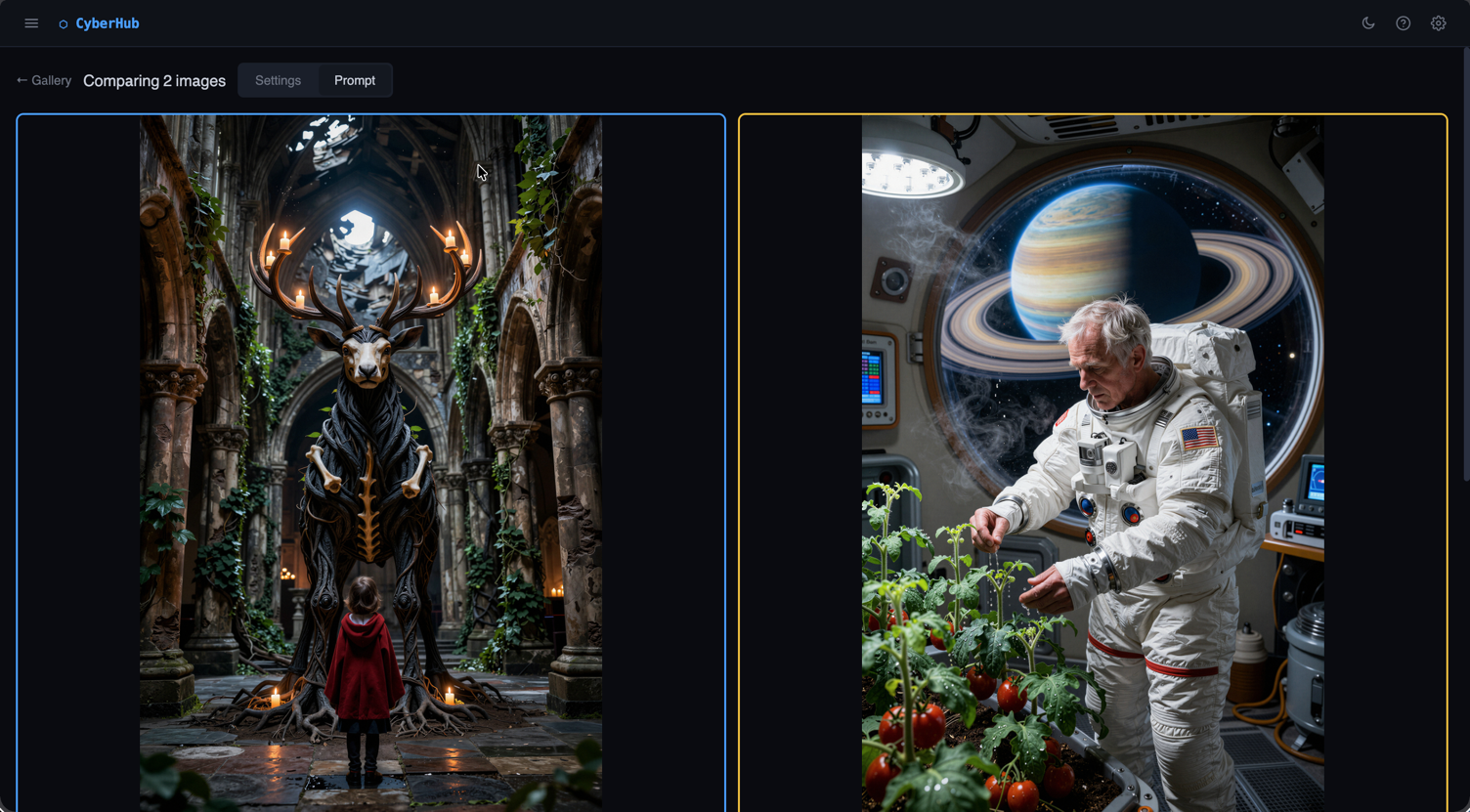
FEATURE / COMPARE
Select two to four images and compare steps, sampler, CFG, seed, model, LoRAs and prompt tags. Shared and unique values are colour-coded.
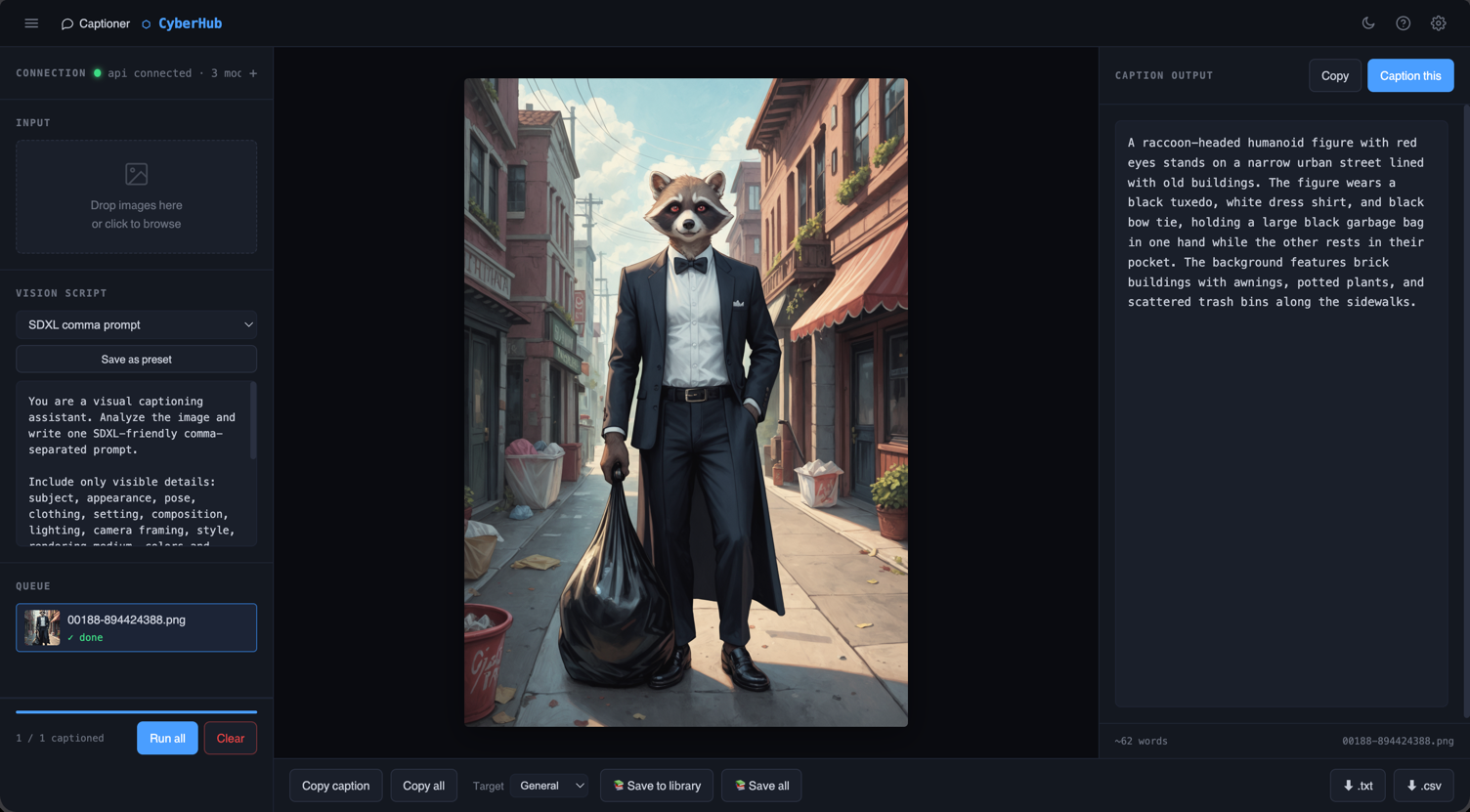
FEATURE / CAPTIONER
Connect LM Studio, drop in the images and choose a vision preset. Review each caption beside its thumbnail, then export the set for training.
// ALL MODULES
The repetitive work between making an image and being able to use it.
Browse images across multiple folders and search their prompts, models and metadata without moving the files.
+Drop in a PNG to read its generation data without adding the entire folder to your library.
+Keep prompts, caption presets, reusable snippets, notes and reference images together.
+Put two to four renders side by side and compare their settings and prompt tags.
+Caption a dataset with a local vision model in LM Studio, then export TXT or CSV.
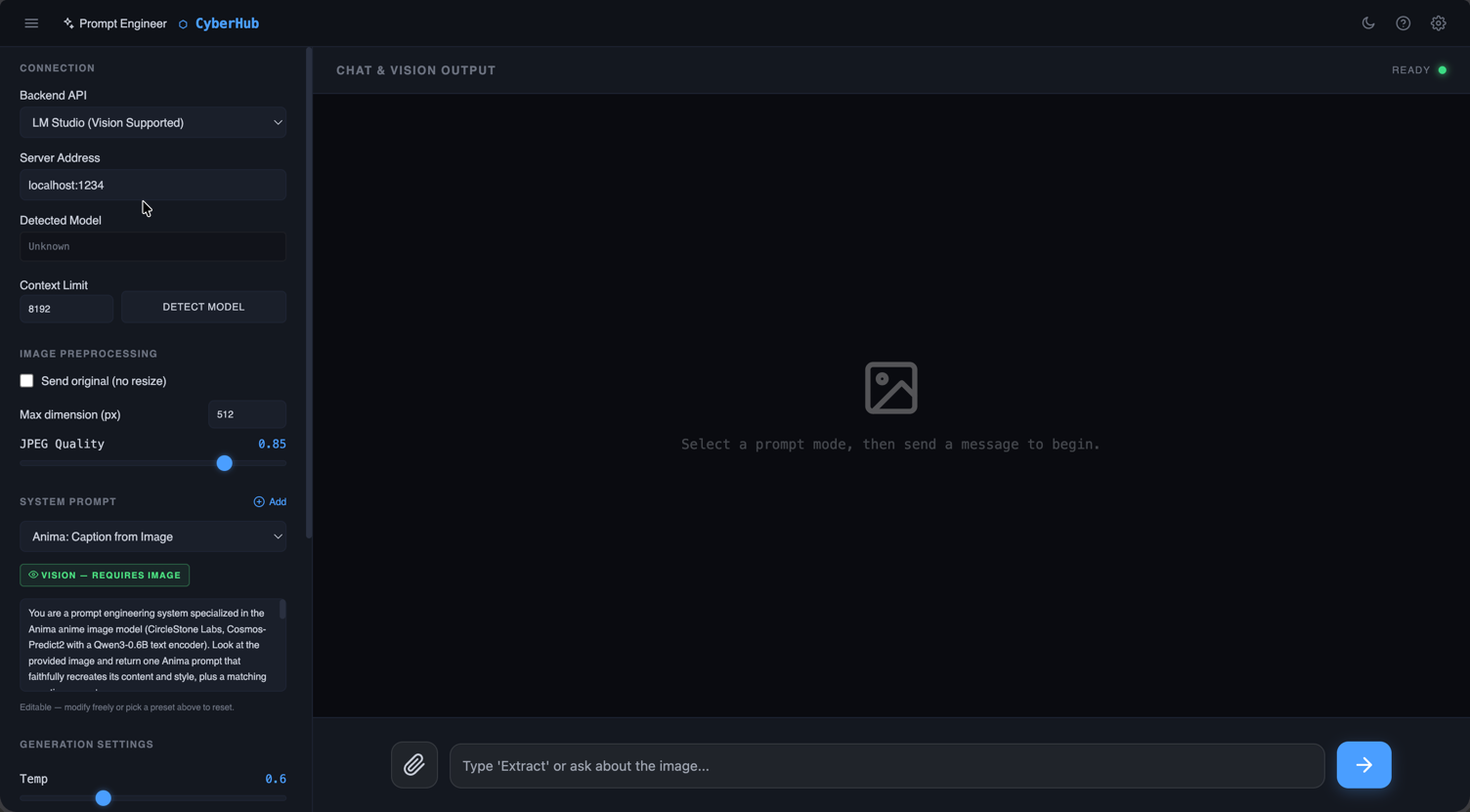
+Write, rework and inspect image prompts with a model running on your own machine.
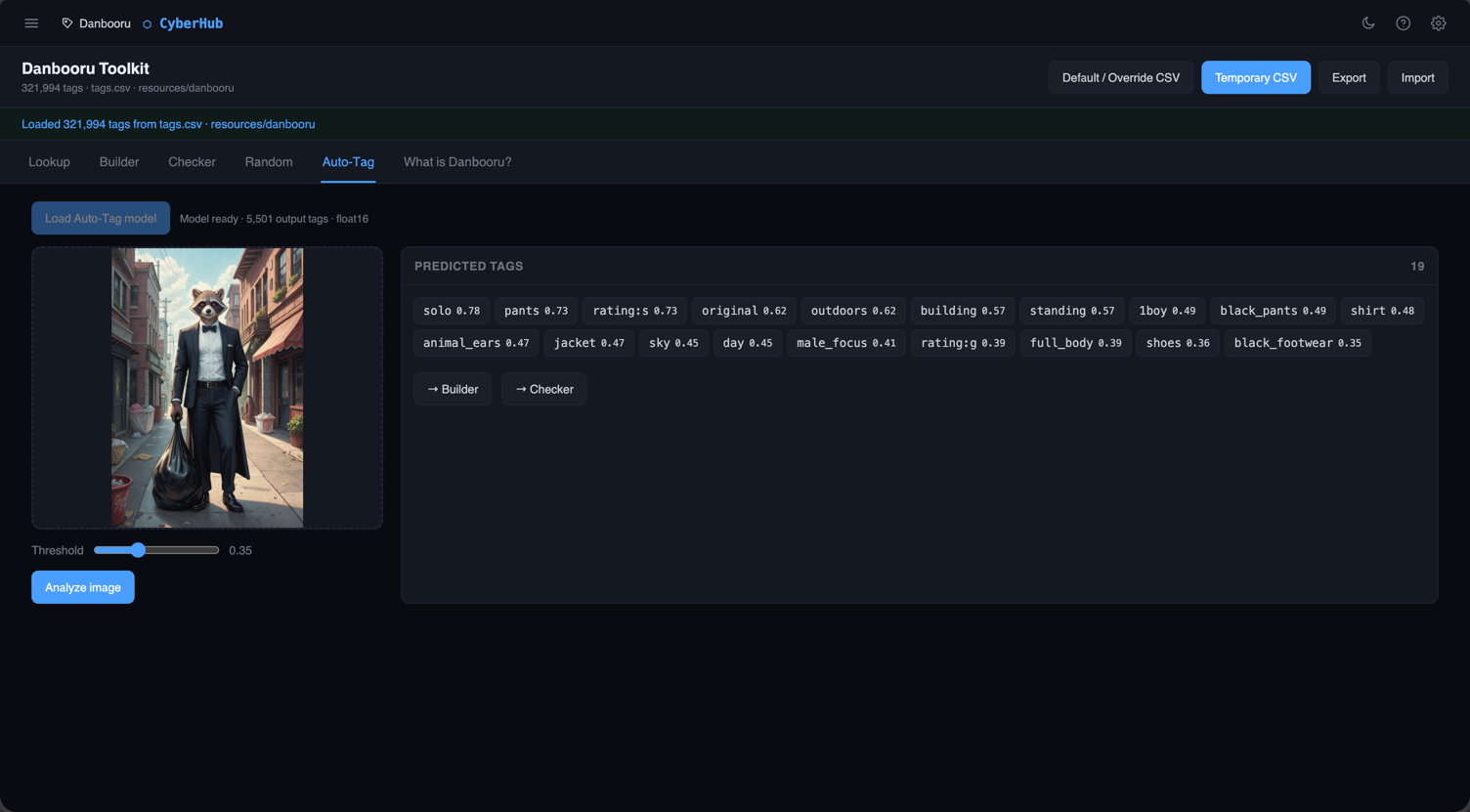
+Look up tags, build and check prompts, generate variations or add local ONNX tagging.
+Download reference images by creator or model version, with a job log that survives a refresh.
+Crop a batch to preset aspect ratios while leaving the originals untouched.
+Add labels, watermarks or selected metadata to a folder of images in one pass.
+Add grain, blur, vignettes, JPEG artefacts or colour casts when a render looks too clean.
+Put A1111-style metadata back into upscaled or edited PNGs, one at a time or in batches.
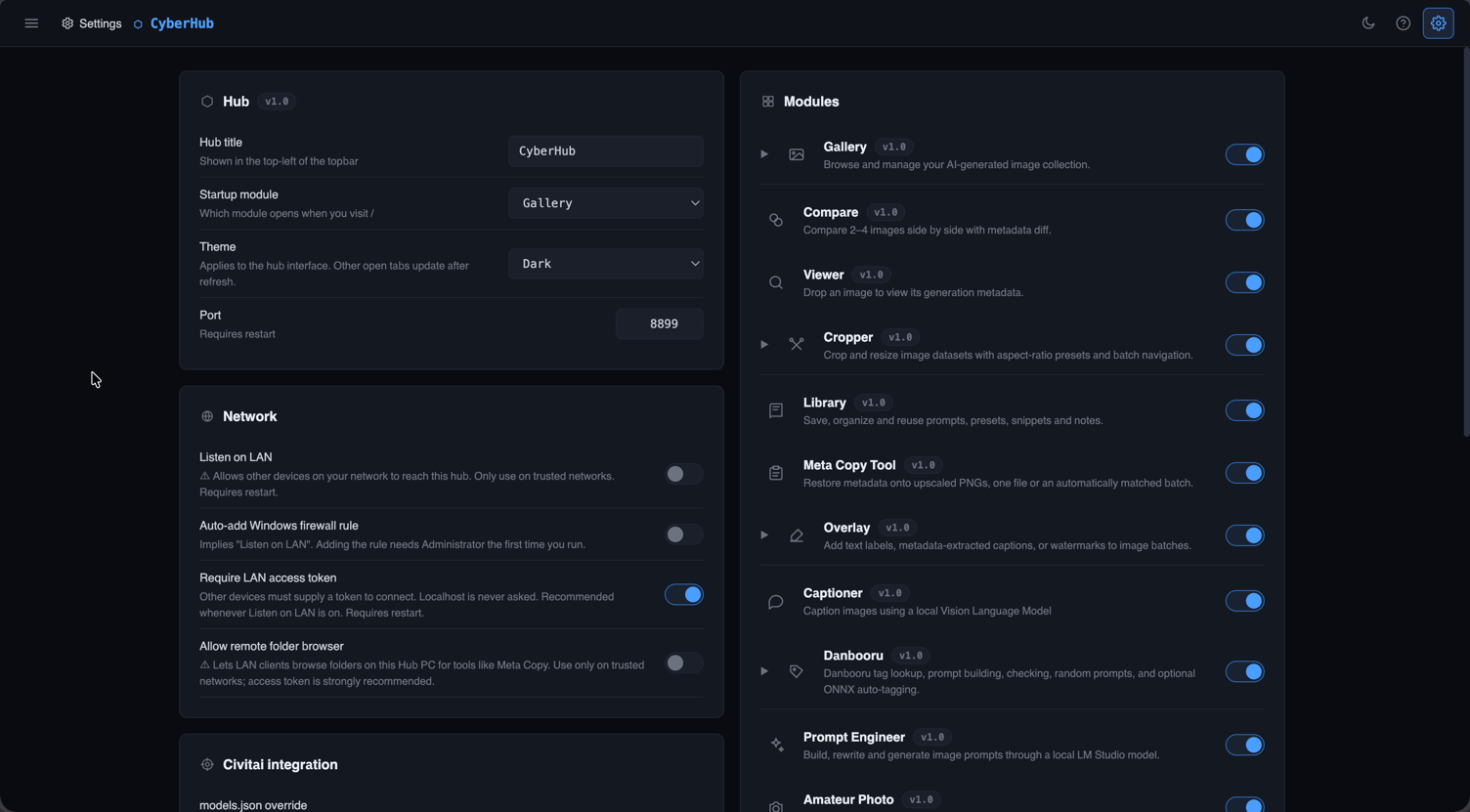
+Set folders, modules, themes, LAN access and integrations, or check the system status.
+
// NETWORK / PRIVACY
A module only goes online when its job requires it. The main app, image library and prompt library stay on your own filesystem.
civitai.comonly when you start a downloadcivitai.comwhen you request an updatelocalhost:1234every caption, local onlylocalhost:1234every prompt, local onlylocalhostalways// CYBERHUB / CHOOSE YOUR EDITION
Both editions keep the image library on your own machine. Lite gives you the gallery and metadata browser; Full includes all thirteen modules.
A free, open-source gallery and metadata browser for Stable Diffusion, ComfyUI and A1111 images.
The gallery plus comparison, captioning, prompt tools, image utilities and every other current CyberHub module.